

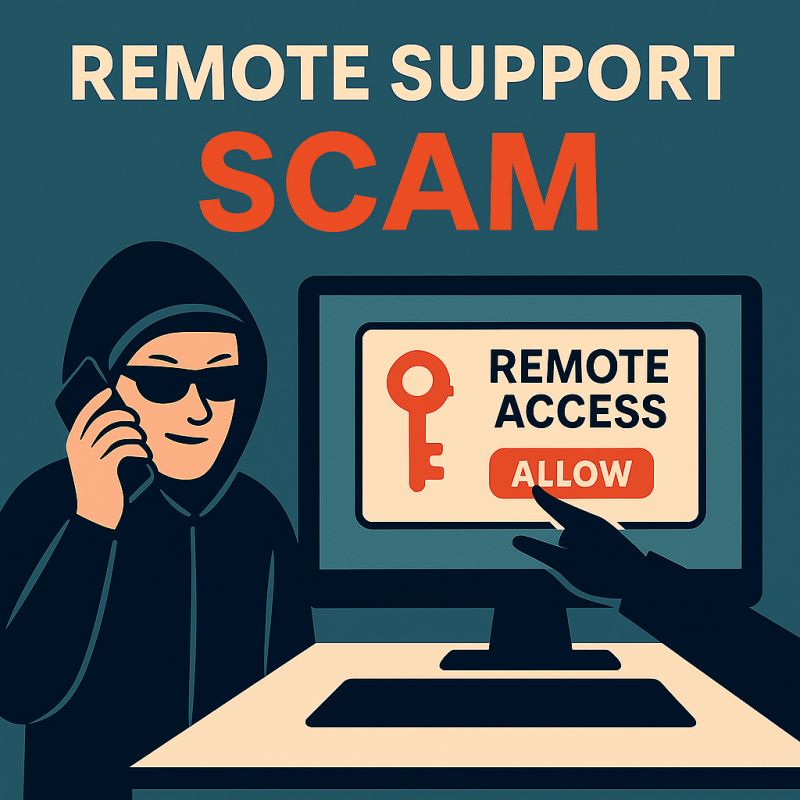
🚨 Quick workplace security reminder: “remote support” impersonation scams are getting more convincing.
They often start with an unexpected call, email, text, or chat message claiming there’s an urgent issue with your laptop, Microsoft 365, or “security alerts.” The goal is to get you to:
• approve a sign-in
• share your password or MFA code
• install a remote access tool / start screen sharing
Once someone has remote access (or your credentials), they can steal data, install malware, or move deeper into your organization.
With more helpdesks deploying AI chatbots for speed and convenience, one principle matters more than ever:
✅ Human-in-the-loop for identity-sensitive requests (remote access, password resets, MFA changes, payment or banking changes).
A simple protocol helps, whether your support is internal or through a managed services provider:
1) STOP. Don’t click links or call numbers sent to you unexpectedly.
2) VERIFY through official channels (known helpdesk portal/number, company directory, or vendor website).
3) NEVER share passwords or one-time codes. Legit support won’t ask.
At Novus, we’re big believers in keeping support human-centered; automation is great for efficiency, but real people and strong verification steps are critical when identity and access are involved.
About the Author: Greg Bugbee