


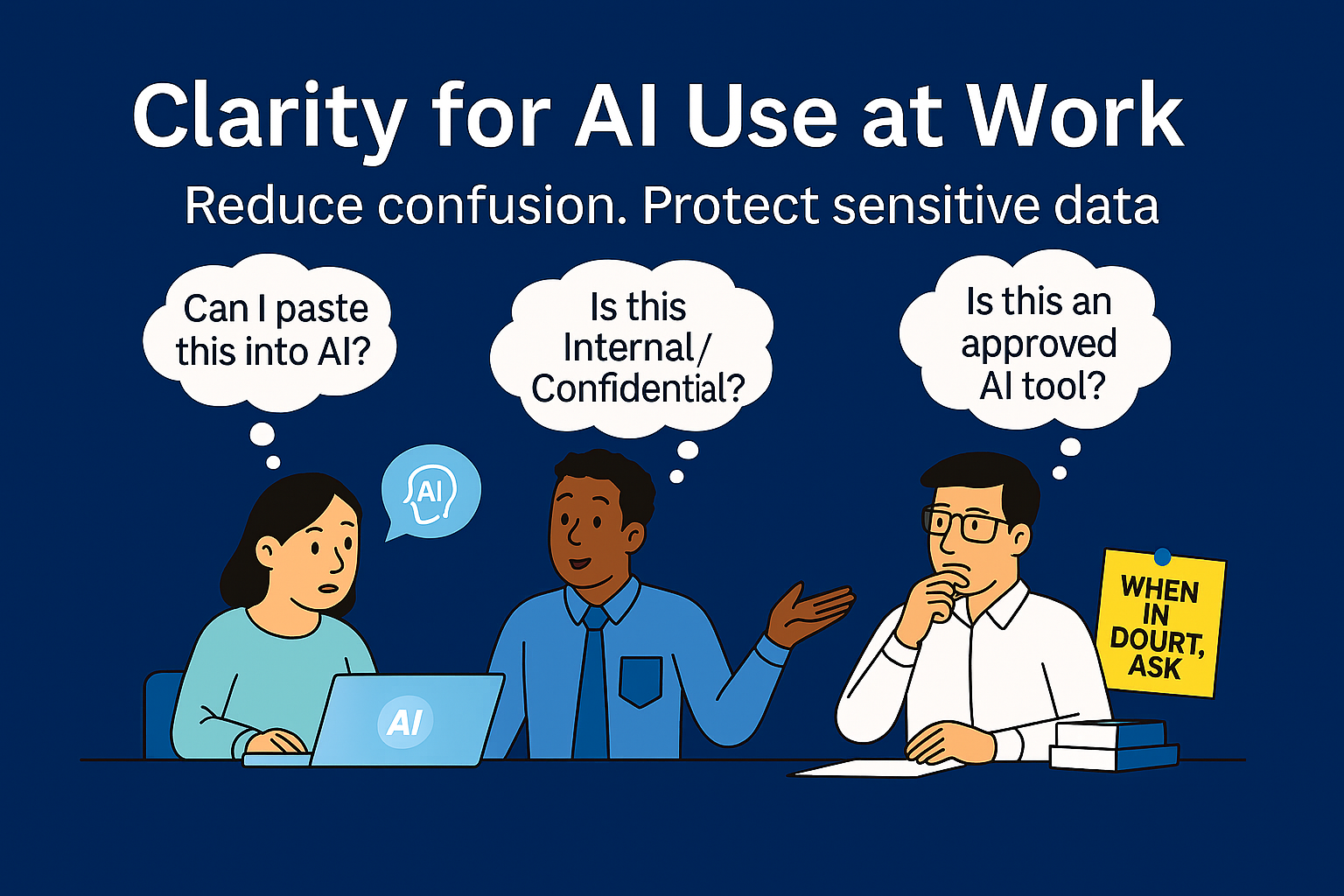
How to protect sensitive data and reduce staff confusion
Organizations across the public sector and nonprofits are moving quickly into AI—and that’s not inherently a problem. The problem shows up when we try to “secure AI” before we’ve answered a simpler question:
What data are we actually trying to protect?
Recently, a team asked me:
“What is Novus doing to protect our sensitive data in AI tools?”
I asked a follow-up that wasn’t meant to be a trap—just a starting point:
“When you say ‘sensitive data,’ what do you mean in your organization?”
There was a long pause. Not because they didn’t care—but because nobody had ever defined it in a way the organization could consistently use.
And that’s where AI creates friction: it exposes gaps that were already there.
The good news: you don’t need a massive governance program to fix this. You need shared definitions and simple guardrails that make it easier for staff to do the right thing.
The hidden cost of “we’ll let IT handle security”
In mission-driven organizations, security isn’t about paranoia—it’s about trust, continuity, and stewardship. Yet the most common failure mode isn’t a lack of tools.
It’s organizational ambiguity:
- Staff don’t know what “sensitive” means here
- They don’t know where that data is allowed to live or be used
- They don’t know who can approve exceptions
- They don’t know what to do when unsure
When people don’t have clarity, they either freeze, guess, or work around the system. None of those outcomes help your mission.
Here’s the gentle truth that keeps this constructive:
IT can implement protections, but IT can’t define what your data means.
Executive leaders and program owners are the ones who can define what’s sensitive, what “safe use” looks like, and who should have access. Then IT can enforce those decisions consistently.
That shared ownership is what reduces confusion and improves security at the same time.
How this helps users (and reduces confusion)
Data foundations aren’t just “security work.” They’re productivity work—because they replace uncertainty with quick, repeatable decisions.
When you define data sensitivity and acceptable use:
- ✅ Staff spend less time second-guessing
- ✅ Managers get fewer “Can I use this?” emails
- ✅ New hires ramp faster because expectations are clear
- ✅ Innovation speeds up because boundaries are understood
- ✅ Risk drops because fewer people are forced to guess
Clarity is a service to your employees. It lowers anxiety and increases responsible adoption.
The minimum viable foundation (three building blocks)
You don’t need 40 pages. You need three things that are short, usable, and reinforced.
1) Acceptable Use of Technology (plain language, 1–2 pages)
Before an “AI policy,” create a baseline that answers:
- What tools are approved for work use (and what aren’t)
- Who to ask for a new tool
- What kinds of data are never allowed in external tools
- What to do when you’re unsure
- Who to contact for quick decisions
A single sentence that prevents many mistakes:
“If you’re not sure whether data can be used in a tool, pause and ask—no one gets in trouble for asking early.”
That line reduces risk and reduces fear.
2) A simple 4-level data classification model (shared vocabulary)
Keep it small enough that teams will actually use it:
- Public — OK to share broadly
- Internal — OK within the organization/partners
- Confidential — Need-to-know; higher impact if exposed
- Restricted — Highest sensitivity (regulated, privileged, safety/critical systems, etc.)
The goal is not perfect labeling. The goal is consistent decisions.
3) Examples that match your mission (what staff recognize instantly)
Instead of debating definitions, list real categories:
- Client/resident/student/patient information
- Program case notes, eligibility, intake forms
- HR: performance, discipline, compensation, medical
- Finance: payroll, banking, donor/grant details
- Legal/privileged communications
- Security info: passwords, incident details, configurations
- Contract-controlled or regulated data
Examples reduce confusion faster than policy language ever will.
A 30-minute exercise that makes this real (and fast)
If you do one thing this week, do this.
Invite: a program leader, HR, finance, IT/security, and one frontline “power user.”
30 minutes. Four outputs.
- List your top 10 data types (5 min)
- Classify them (Public / Internal / Confidential / Restricted) (10 min)
- Decide “where it may go” (approved systems, approved AI, never external) (10 min)
- Agree on a “when in doubt” escalation path (5 min)
Helpful prompts:
- “If this leaked, who could be harmed?”
- “Would we have to notify anyone?”
- “Would this break trust with our community/clients?”
- “Who truly needs access to do their job?”
At the end, you’ll have something most organizations lack: a shared answer to “what are we protecting?”
Want a guided version of this plan (fixed-fee)?
Novus offers an AI Jumpstart Program designed for busy teams. We facilitate the data definition session, help produce a plain-language acceptable use guide, publish a simple classification model with examples and “Can I use this in AI?” scenarios, and align AI use cases to Allowed / Conditional / Not Allowed—so staff stop guessing and leaders have clear accountability.
Scenarios: “Can I use this in AI?” (and what to do instead)
Tip: Label each scenario using your classification model (Public/Internal/Confidential/Restricted), then map it to Allowed / Conditional / Not Allowed based on your approved AI environments.
Scenario 1: Drafting a community update or donor newsletter
Data: Public messaging, no personal details
Classification: Public
AI use: ✅ Allowed
Guardrail: Don’t include names, addresses, or anything pulled from internal records unless approved.
Scenario 2: Summarizing meeting notes that include staffing or performance concerns
Data: Personnel-related notes
Classification: Confidential (or Restricted, depending on your org)
AI use: ⚠️ Conditional
Do this: Use an approved internal tool/environment, or remove identifiers and sensitive details first.
If unsure: Ask HR + IT/security for the right handling.
Scenario 3: Writing a grant narrative using internal program metrics
Data: Internal operational data (no personal info)
Classification: Internal / Confidential (depends on what’s included)
AI use: ✅/⚠️ Allowed or Conditional
Guardrail: If metrics are tied to small groups that could be re-identified, treat as Confidential.
Scenario 4: Pasting a client case note to “make it sound more professional”
Data: Client/participant personal information
Classification: Restricted (in many orgs)
AI use: ❌ Not Allowed in external tools
Do this instead: Use approved internal templates, or remove all personal details and use a generic example.
Scenario 5: Uploading a spreadsheet of names/emails and service eligibility to “find patterns”
Data: Personal data + program eligibility
Classification: Restricted
AI use: ❌ Not Allowed in external tools
Better path: Use approved analytics tools with proper access controls; ask IT/security about safe analysis options.
Scenario 6: Asking AI to “review this contract” with legal comments and negotiated terms
Data: Legal/privileged + negotiation strategy
Classification: Restricted
AI use: ⚠️ Conditional (often only in approved internal tools)
Do this: Route through legal-approved processes/tools.
Scenario 7: Troubleshooting by pasting system configs, firewall rules, or screenshots with credentials
Data: Security-related information
Classification: Restricted
AI use: ❌ Not Allowed
Do this instead: Use internal support channels and secure methods. Never paste secrets into chat tools.
Scenario 8: Creating a job description or interview questions
Data: Generic HR content
Classification: Public / Internal
AI use: ✅ Allowed
Guardrail: Avoid including candidates’ personal info or internal compensation strategy unless approved.
A simple rule staff can actually remember
If you want one easy decision rule that reduces confusion:
If it includes personal data, client records, HR details, legal privilege, financial account information, or security configurations—treat it as Confidential/Restricted and don’t use external AI tools unless explicitly approved.
Pair it with a low-friction escalation path:
“When in doubt: pause, ask, and you won’t get in trouble for asking early.”
That’s how you prevent both paralysis and shadow AI.
A practical starter plan (that respects busy teams)
This week
- Run the 30-minute data definition session
- Publish the “when in doubt, ask” rule + who to contact
Within 2–4 weeks
- Finalize a 1–2 page acceptable use guide
- Publish your 4-level classification + examples + scenarios above
Within 30–60 days
- Align AI use cases to classifications (Allowed / Conditional / Not Allowed)
- Add “safe use” examples to onboarding and team meetings
Progress beats perfection. The goal is to stop forcing staff to guess.
Closing: clarity makes AI safer and easier to use
If you’re an executive leader or program manager, you don’t need to be a security specialist to “own security.” You just need to help answer three questions:
- What data would we regret seeing in the wrong place?
- Who needs access—and why?
- Where is that data allowed to go (including AI tools)?
Once those answers are clear, IT can implement controls confidently—and your staff can use AI without fear, confusion, or guessing.
If you want help doing this quickly, Novus’ fixed-fee AI Jumpstart Program is built for exactly this.
Email us at sales@novusinsight.com with the subject line “AI Jumpstart”, and we’ll send a simple overview and a suggested starting agenda.
About the Author: Greg Bugbee